
Getting Started Guide for Employees
Learn how to clock in with Ficha.Work
1
Log in
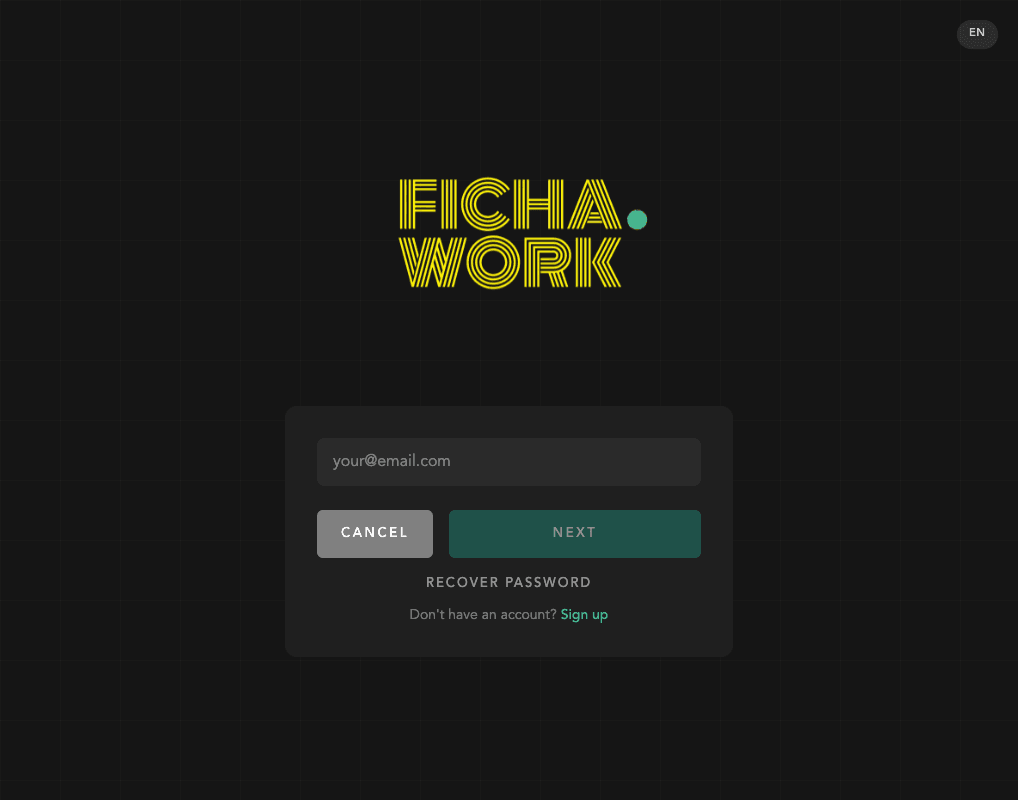
Your manager will give you an email and a temporary password. Go to app.ficha.work or download the mobile app. Enter your credentials and you'll be asked to change your password on first login.
2
Clock in
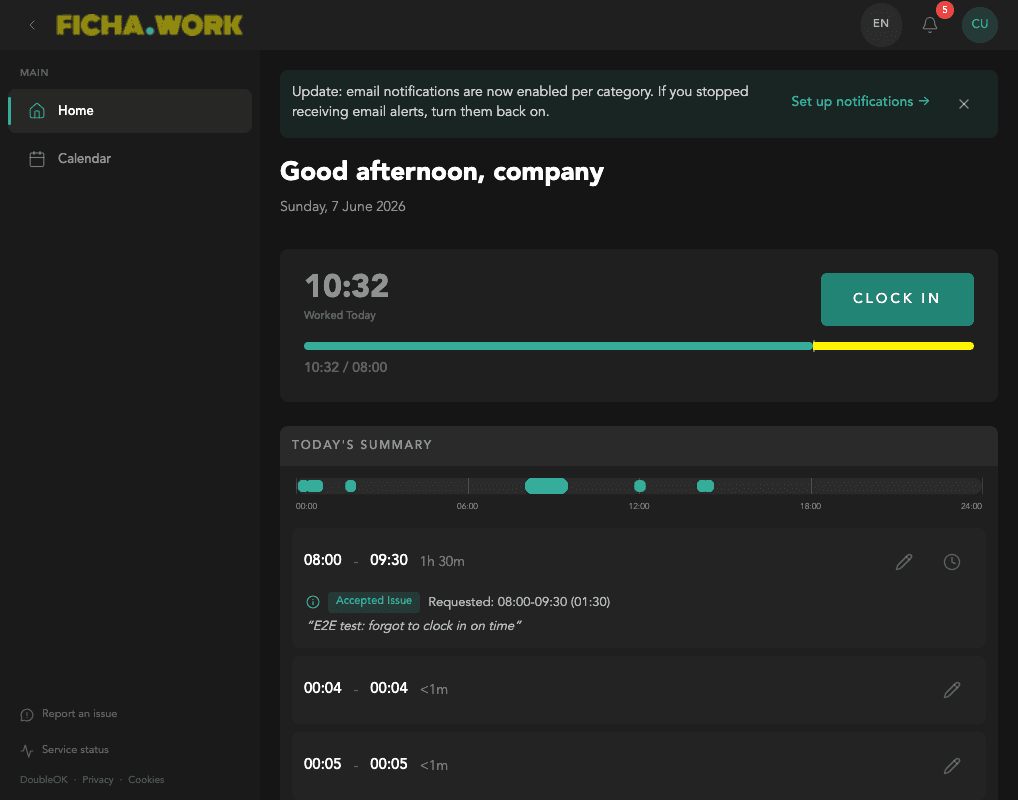
Press the green CLOCK IN button to register your entry. When your shift ends, press again to clock out.
3
View your calendar
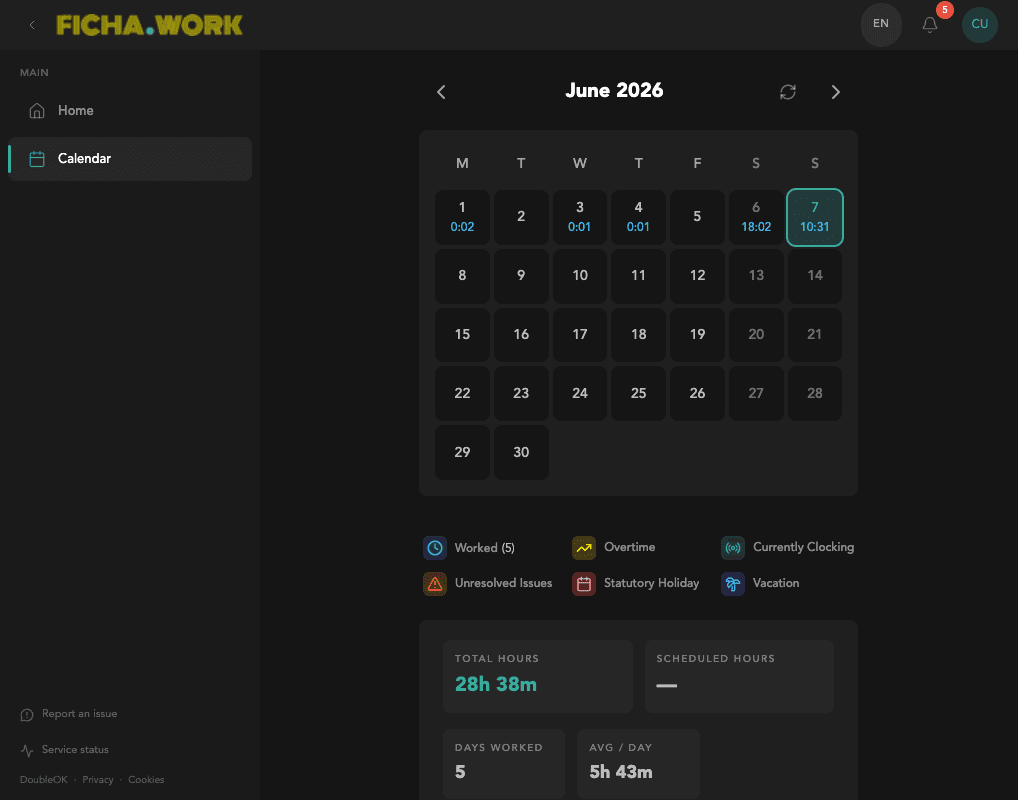
The calendar shows your hours worked per day, overtime, holiday days, and vacation days. Check your complete history at any time.
4
Report corrections
If you forgot to clock in or need to correct your hours, go to Calendar, click on the corresponding day, and submit a correction with the correct times. Your manager will review and approve it.