
Getting Started Guide for Companies
Set up your company in Ficha.Work in 5 minutes
Create employees
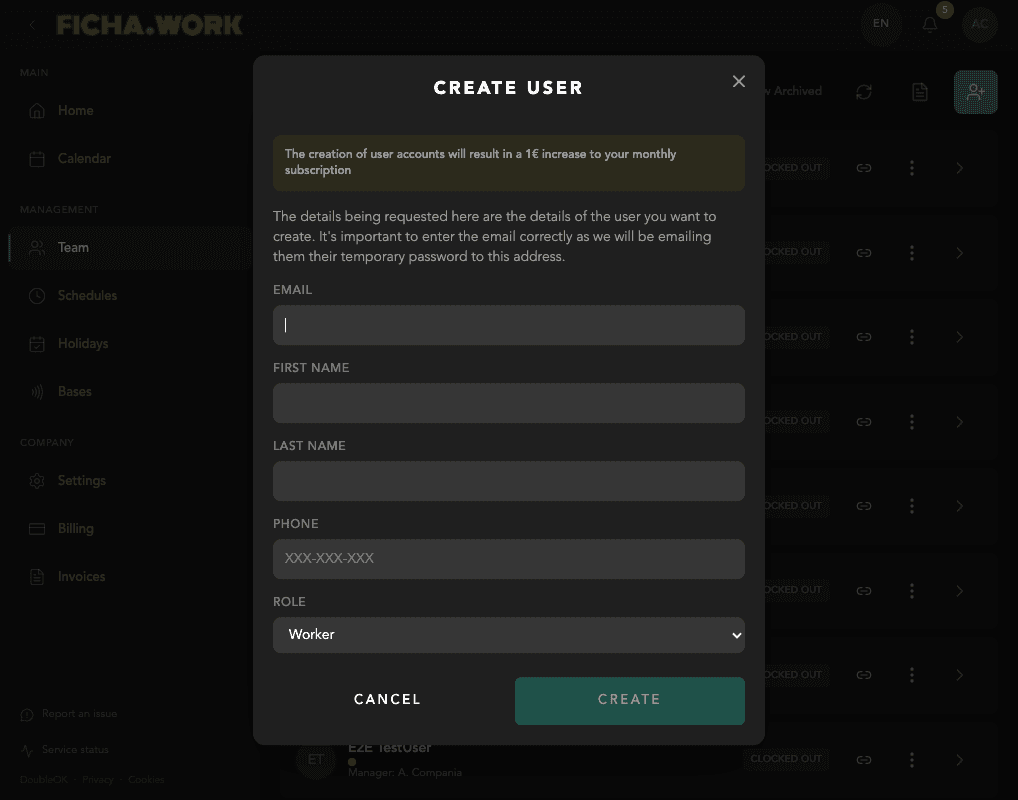
Go to the Team section and press the + button to create a new employee. Fill in the email, name, and role. When the account is created, a temporary password will be shown on screen.
Share the credentials directly with the employee (WhatsApp, in person, or by email).
Set up schedules
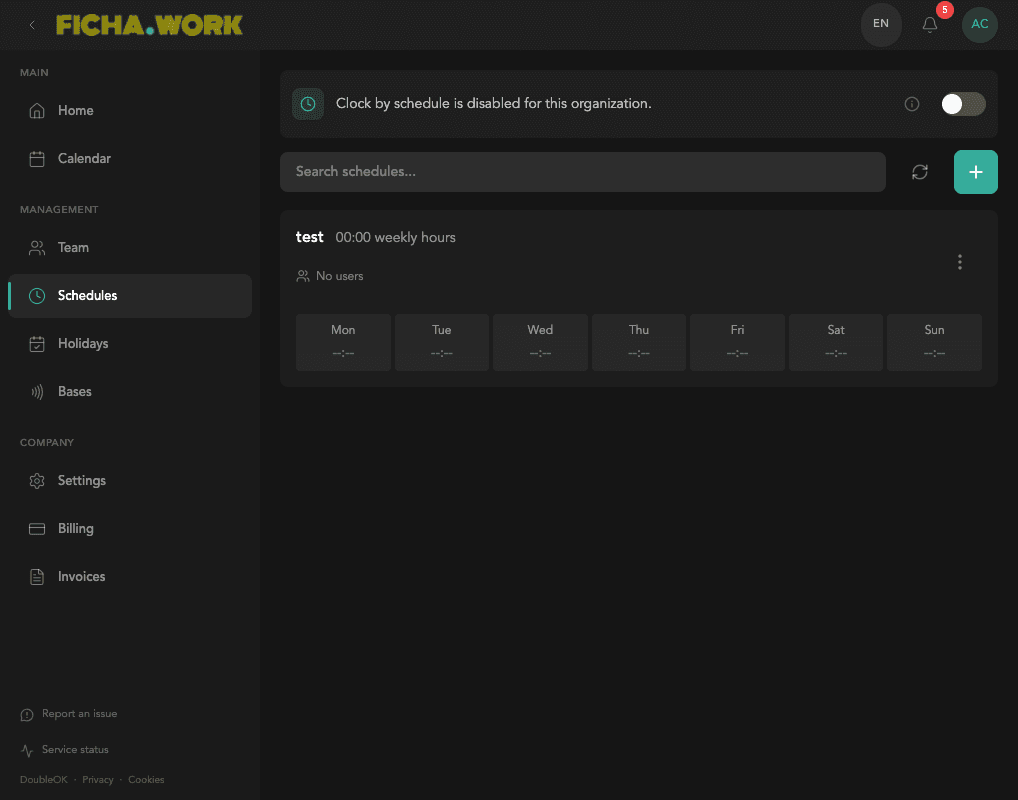
Go to the Schedules section and create a new schedule. Set the working hours for each day of the week and assign the schedule to the corresponding employees.
Set up holidays
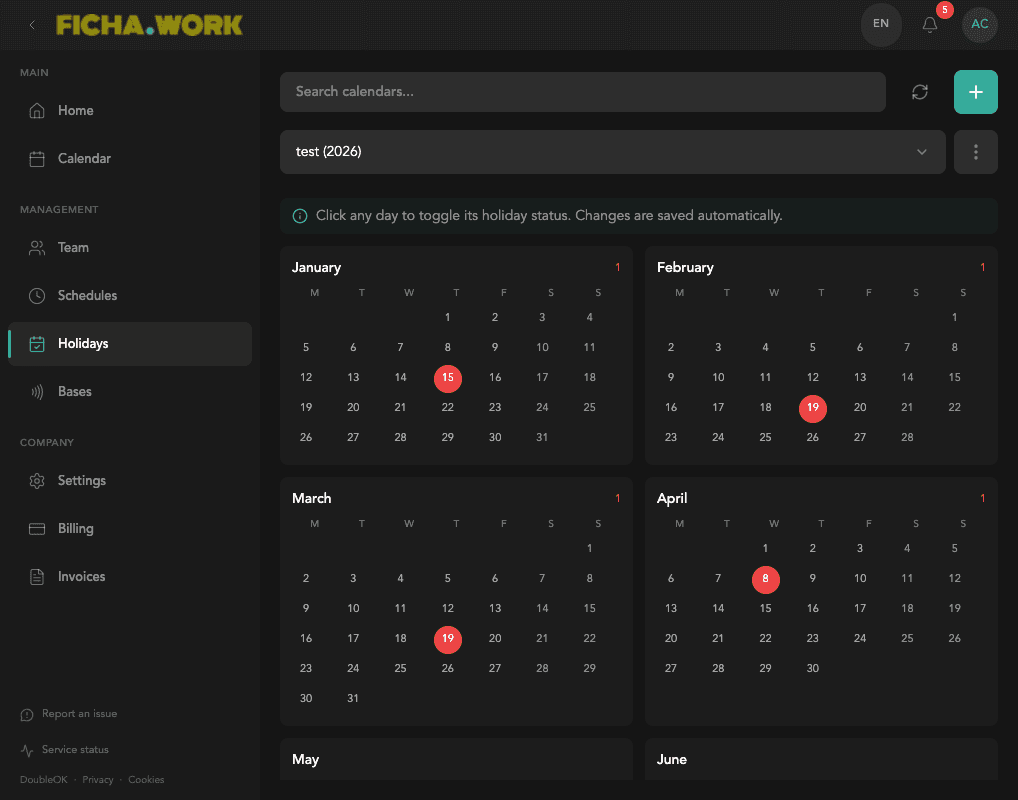
Go to the Holidays section and create a calendar for the year. Click on the days you want to mark as holidays and assign the calendar to employees.
Home dashboard
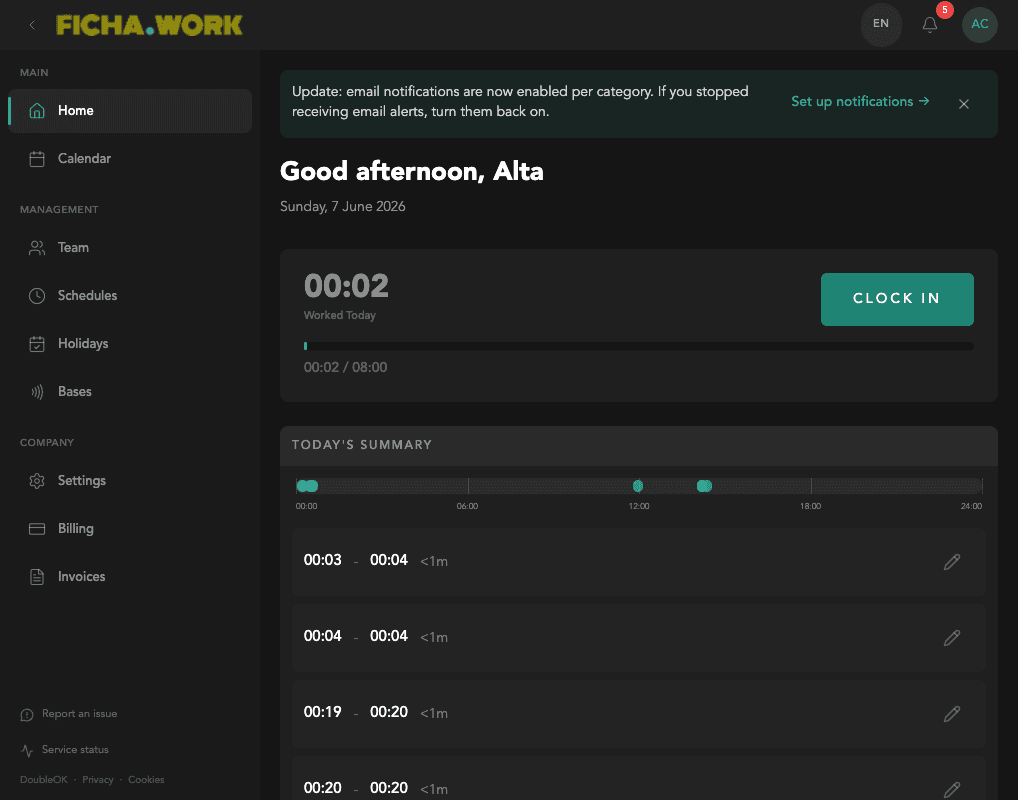
The home page shows your current clock-in status, daily summary, and assigned schedule. From here you can clock in and out with a single tap.
Manage time corrections
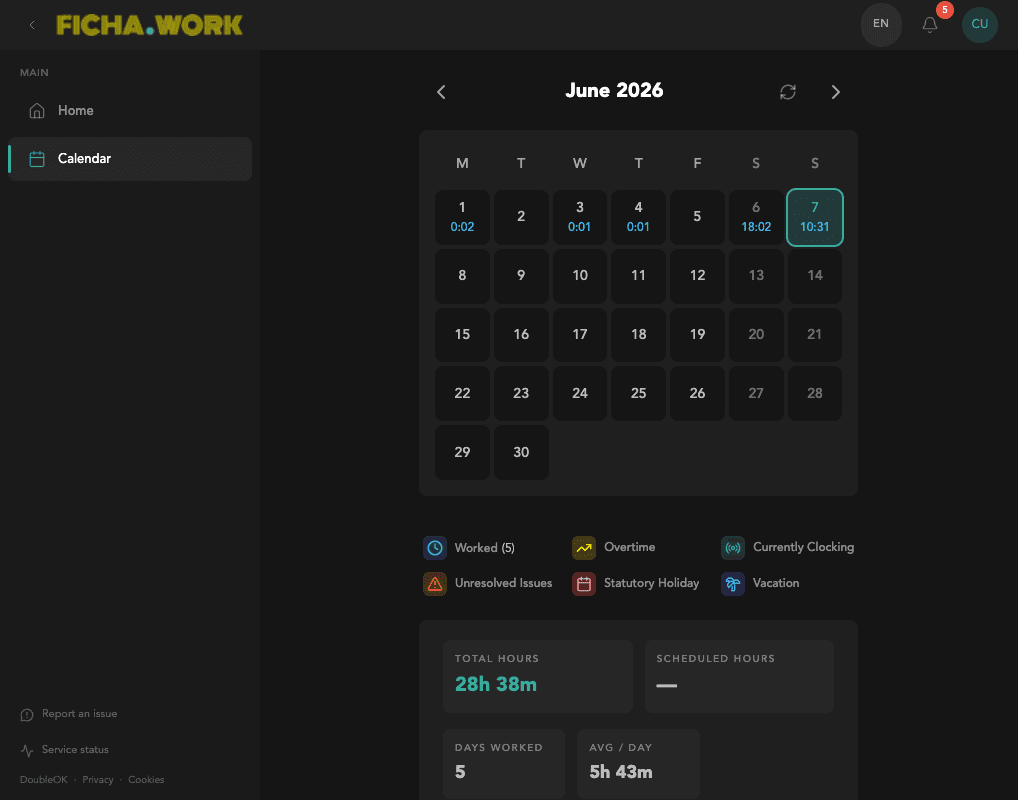
When employees submit corrections (forgotten clock-ins or schedule adjustments), you'll see them in the calendar. Click on the correction to accept or reject it.
Ready to get started?
Create your free account and set up your company in minutes.
Create free account